- 2025-03-07
Note from [2026-07-15]. This is a blog imported from my old blog site mihna123.github.io in an attempt to reconsile everything in one place.
Pixelator is a free online editor for animated sprites and pixel art heavily inspired by piskelapp.com. You can check out the demo at mihna123.github.io/pixelator-2.0
This is a passion project of mine. I used to make some games back in the day and I used tools like Pixelator a lot. The past couple of weeks have been a little bit uneventful soo I started building.
The tech stack is quite simple as the only dependency that I used was
tailwindcss. This was a mistake in retrospective, tailwind is great when
you are working with components (like React or Angular), but when you need
to repeat the same old w-full a million times it gets kinda old. My html
is pretty ugly too if you take a look at it:
<button data-tool="bucket" title="Bucket tool"
    class="tool-button w-10 h-10 flex justify-center items-center bg-...">
    <svg xmlns="http://www.w3.org/2000/svg" width="22" height="22" ...>
        <path fill="currentColor" fill-rule="evenodd"
            d="M11.773 7.412c-.064.064-.27.249-1.017-.027c..."
            clip-rule="evenodd" />
    </svg>
</button>
... and the same button a million times over
But I must say that I learned a lot about buffers, jsdoc and the canvas element.
Here are the features (so far):
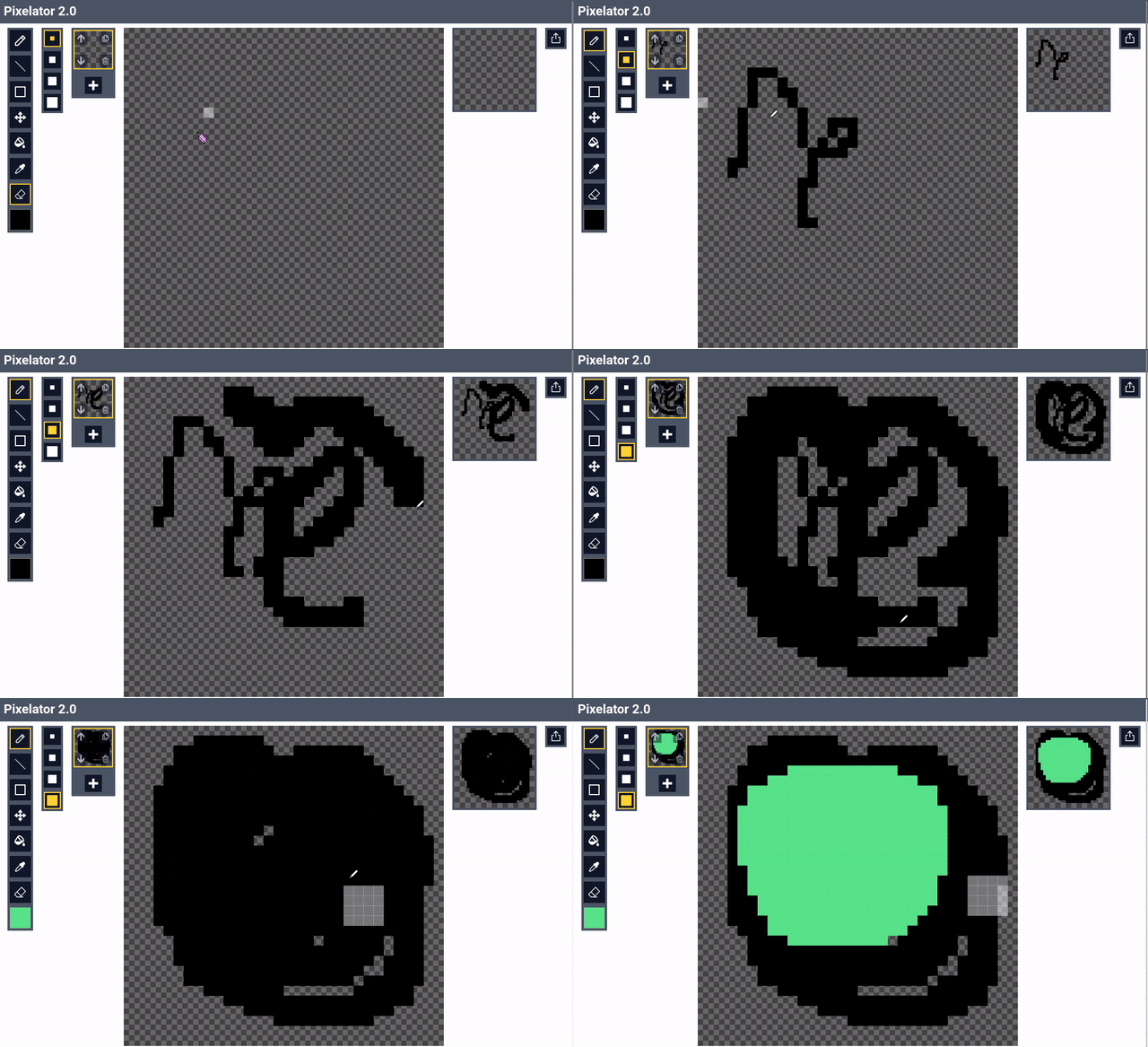
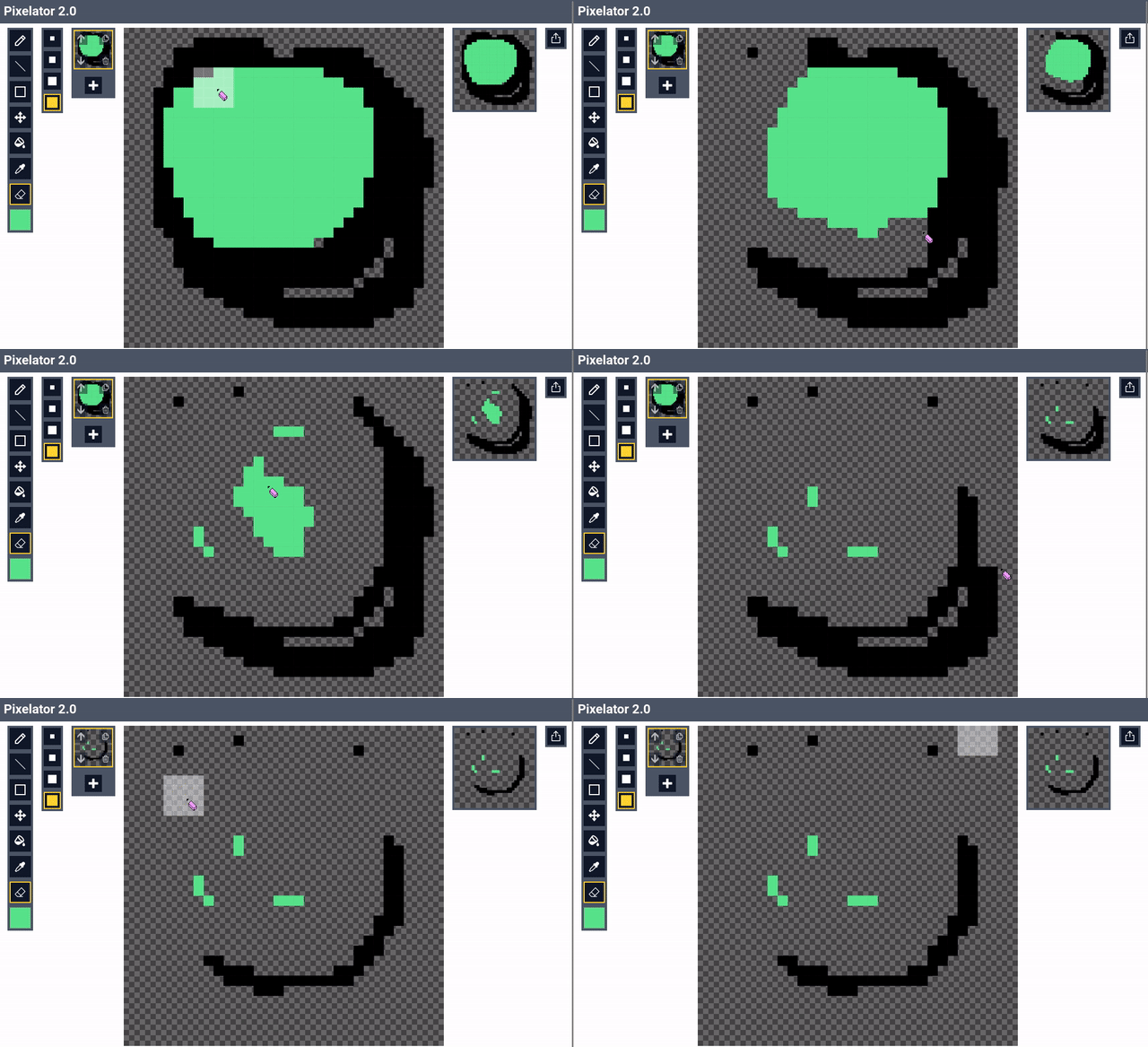
Good old pen tool, comes in 4 different brush sizes and all the colors you can imagine!
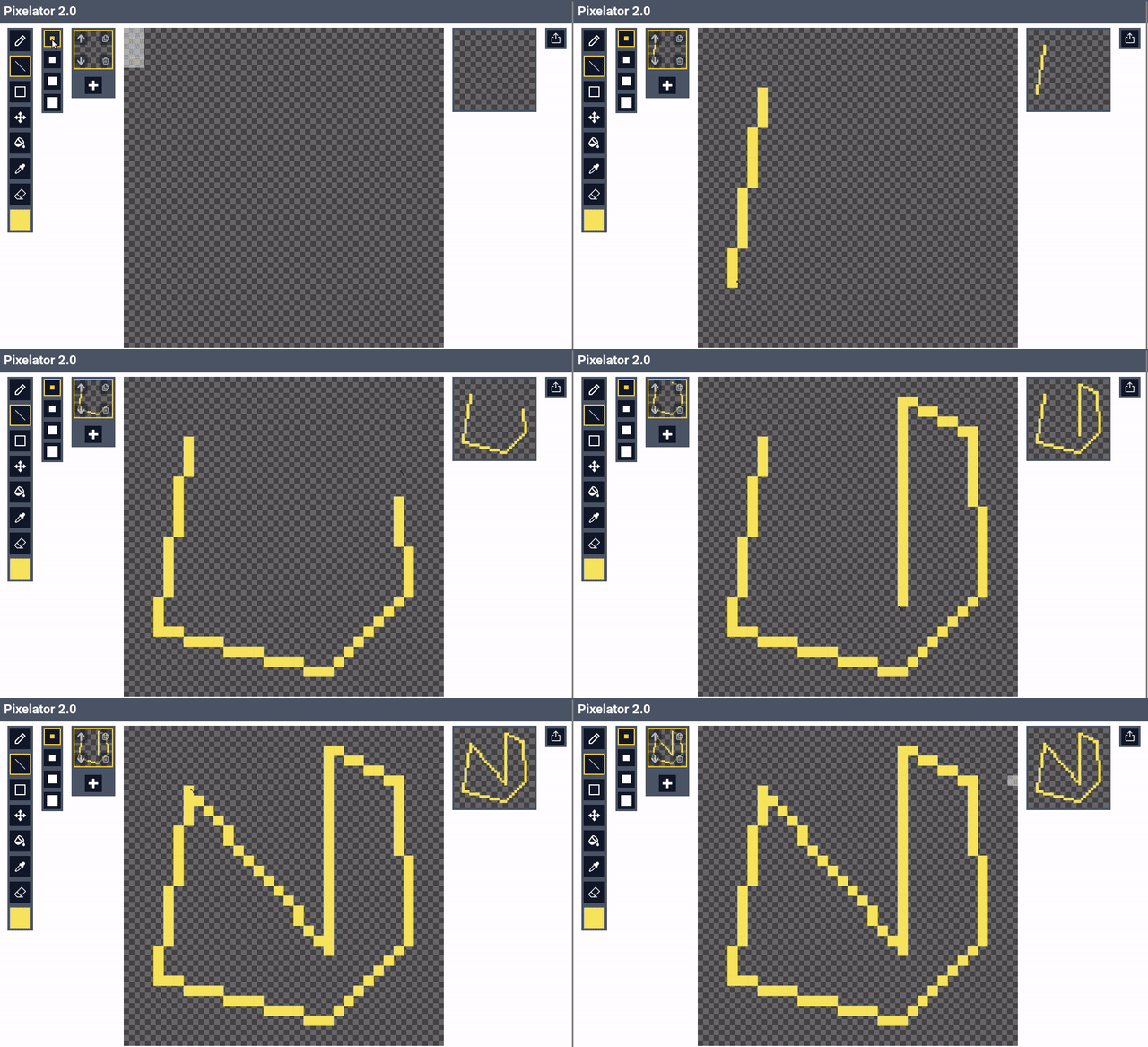
Makes it easy to draw straight lines, duh
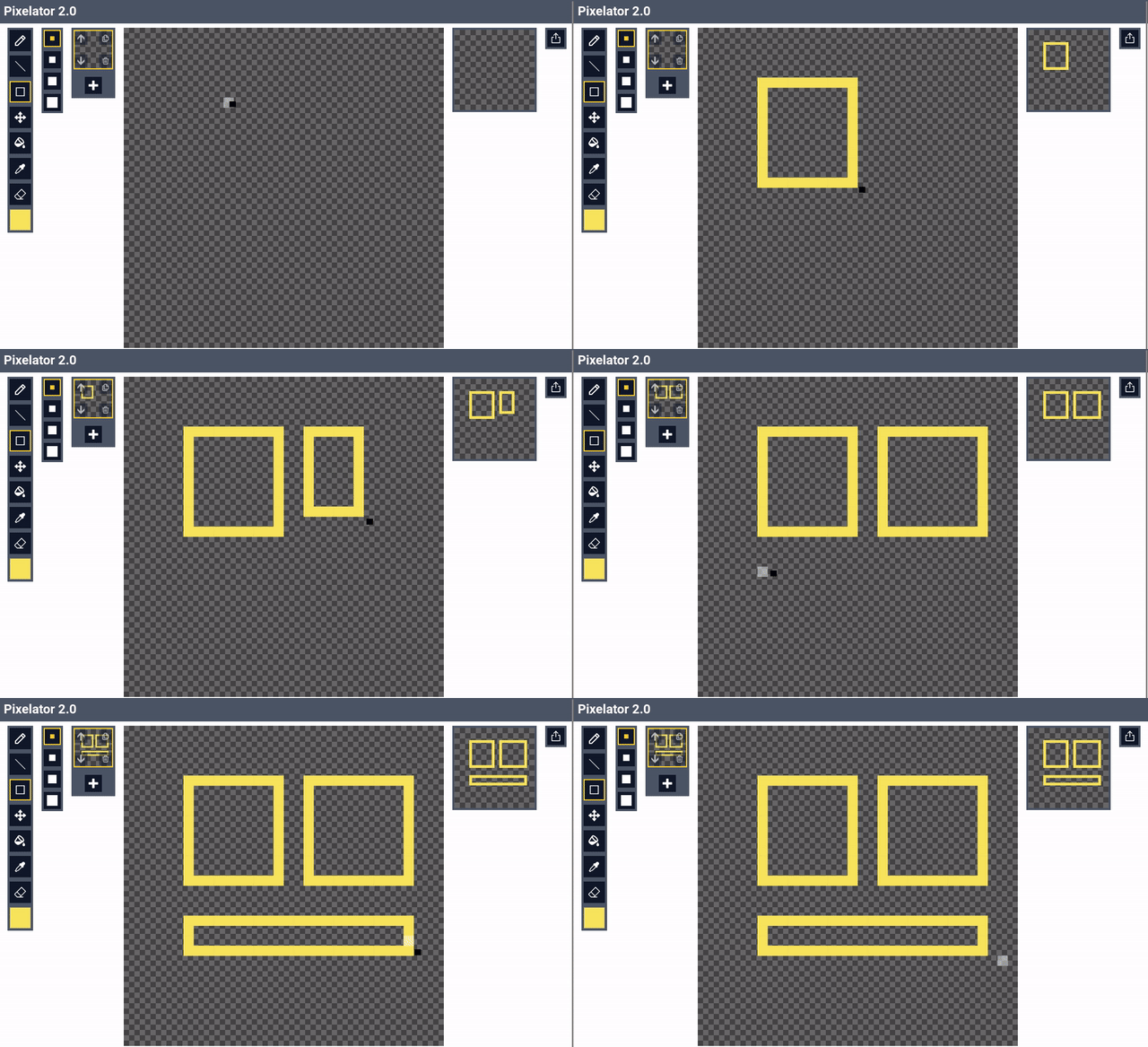
You can even draw a rectangle of your choice! Be carefull tho, it is a little bit buggy (if you can fix it I would be gratefull)
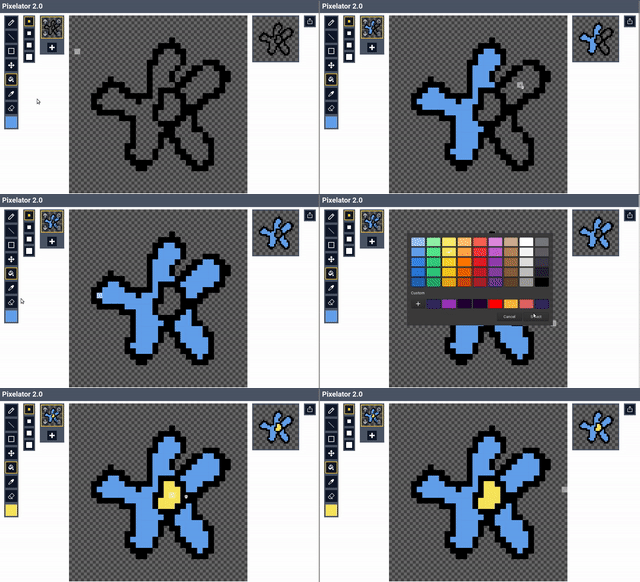
So you don't have to manualy fill in all those sprites.
You will need this one
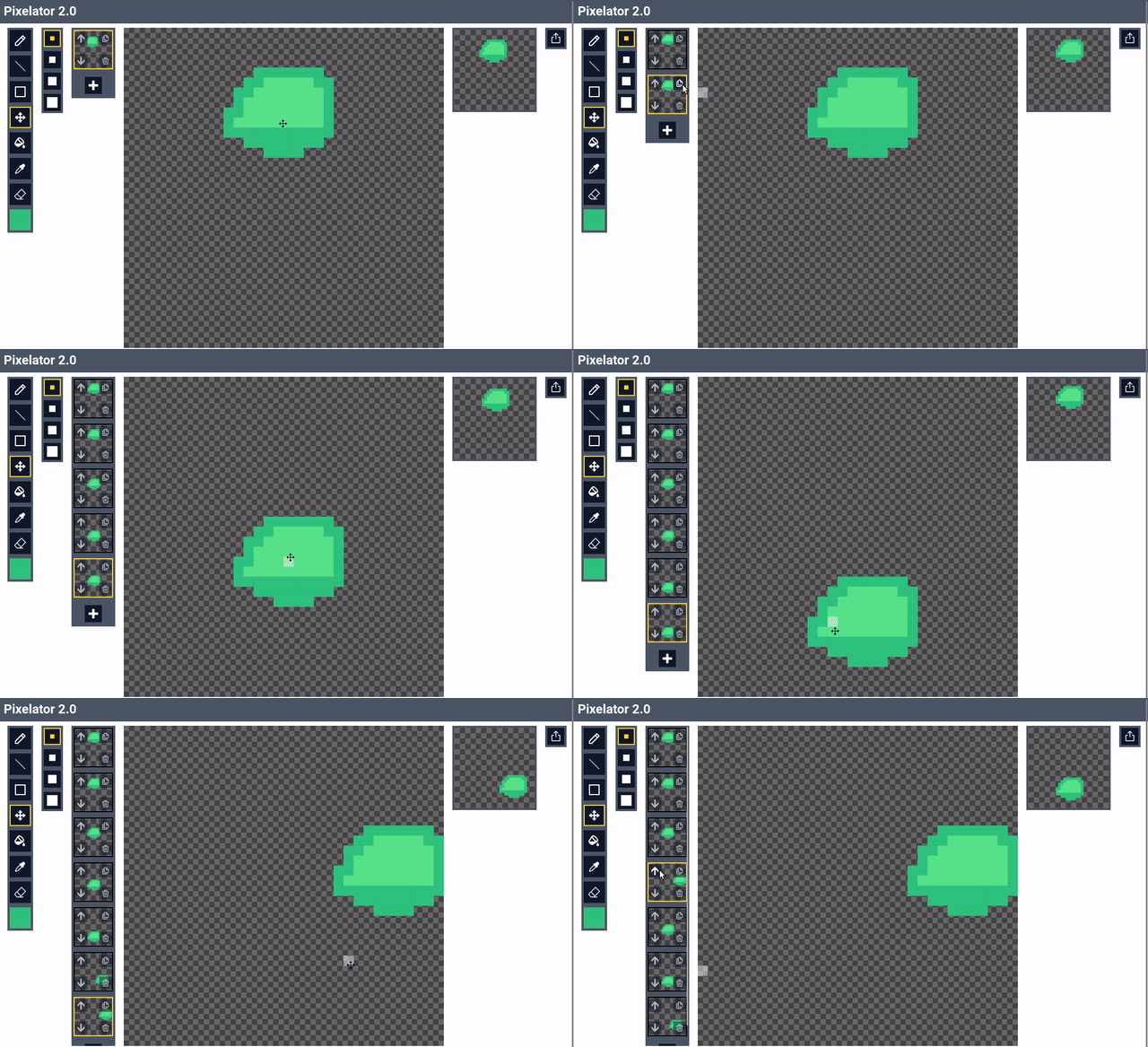
Add, copy, delete and move frames as you wish! You can see the animation on the right preview screen.
You can export your beautiful sprite to a png format!
You can contribute and find source on Github